The Best Siri Alternative in 2026
Turn Siri into GPT, Claude, or Gemini with one phrase
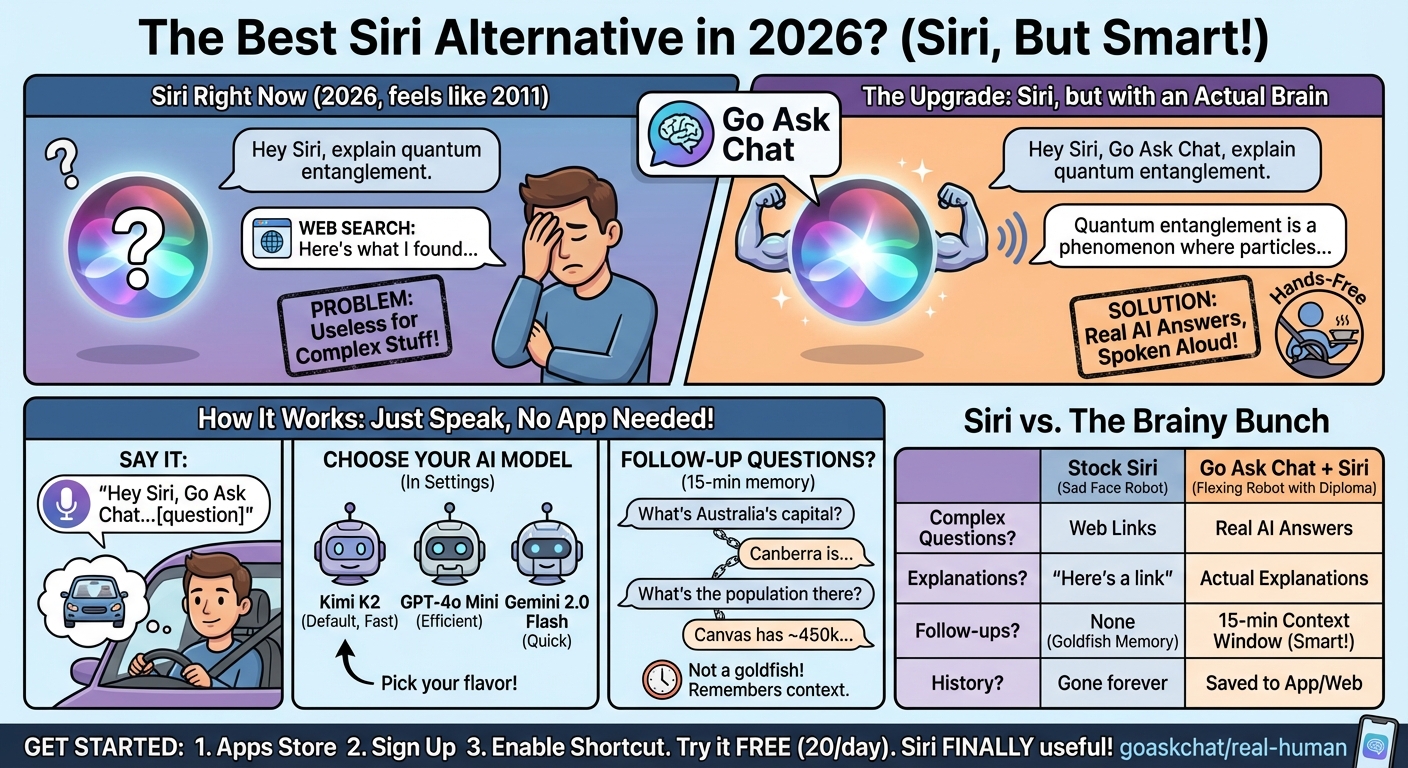
Siri was built for simple commands — setting timers, sending texts, checking weather. But ask it anything that requires actual reasoning and you get "Here's what I found on the web."
You don't need to replace Siri. You can upgrade it. Say "Hey Siri, Go Ask Chat" and your question goes to GPT, Claude, or Gemini instead. Real AI answers, spoken aloud, hands-free.
No apps to open. Just speak:
"Hey Siri, Go Ask Chat, [your question]"
Example: "Hey Siri, Go Ask Chat, explain quantum entanglement in simple terms"
Siri triggers the Go Ask Chat shortcut, your question goes to a real AI model, and the answer is spoken back to you.
- Completely hands-free — Perfect while driving, cooking, or exercising
- No screen needed — Works with your phone locked or in your pocket
- Real explanations — Not web search links, actual AI-generated answers
Yes — there's a 15-minute context window. The AI remembers your previous questions.
Example conversation:
- You: "Hey Siri, Go Ask Chat, what's the capital of Australia?"
- AI: "Canberra is the capital of Australia..."
- You: "Hey Siri, Go Ask Chat, what's the population there?"
- AI: "Canberra has a population of about 450,000..."
The AI knew "there" meant Canberra. Real conversation flow, not isolated queries. After 15 minutes of inactivity, a new conversation starts automatically.
You choose. In the Go Ask Chat settings, pick your preferred Siri model:
- Kimi K2 — Default. Fast responses, great for general questions
- GPT-4o Mini — OpenAI's efficient model
- Gemini 2.0 Flash — Google's quick-response model
Change it anytime. Different models for different needs — faster models for quick questions, smarter models for complex topics.
Every Siri conversation is saved to your Go Ask Chat account.
- View in the app — Open Go Ask Chat on iOS to see full responses
- View on web — Access from any browser at goaskchat.com
- Continue anywhere — Pick up the conversation on your Mac or iPad
- Full text available — Siri reads a truncated version, but the complete response is saved
Ask a question while driving, read the detailed answer later when you're at your desk.
| Feature | Stock Siri | Go Ask Chat + Siri |
|---|---|---|
| Complex questions | Web search links | Real AI answers |
| Explanations | "Here's what I found" | Actual explanations |
| Follow-ups | No memory | 15-min context window |
| Model choice | Apple only | GPT, Claude, Gemini |
| Conversation history | None | Saved to account |
Three steps:
- Get the iOS app — Download Go Ask Chat from the App Store
- Sign up — Create a free account
- Enable the shortcut — The app walks you through adding the Siri shortcut
Then just say "Hey Siri, Go Ask Chat" followed by any question. The free tier gives you 20 messages per day to try it out.
Upgrade Your Siri Today
Turn Siri into a real AI assistant. Free to start, no credit card required.
Get Started Free